
- Administration
- Organization settings
- Turn file sharing on mobile on or off for your organization
Turn file sharing on mobile on or off for your organization
Learn how to turn file sharing on or off in the web app to control whether your team can share Assets and Documents files from the mobile app.This setting is turned on by default for your organization.
Turn file sharing on mobile on or off
Click your organization name on the lower-left corner of the page and select Organization settings.
Select Features at the top of the page.
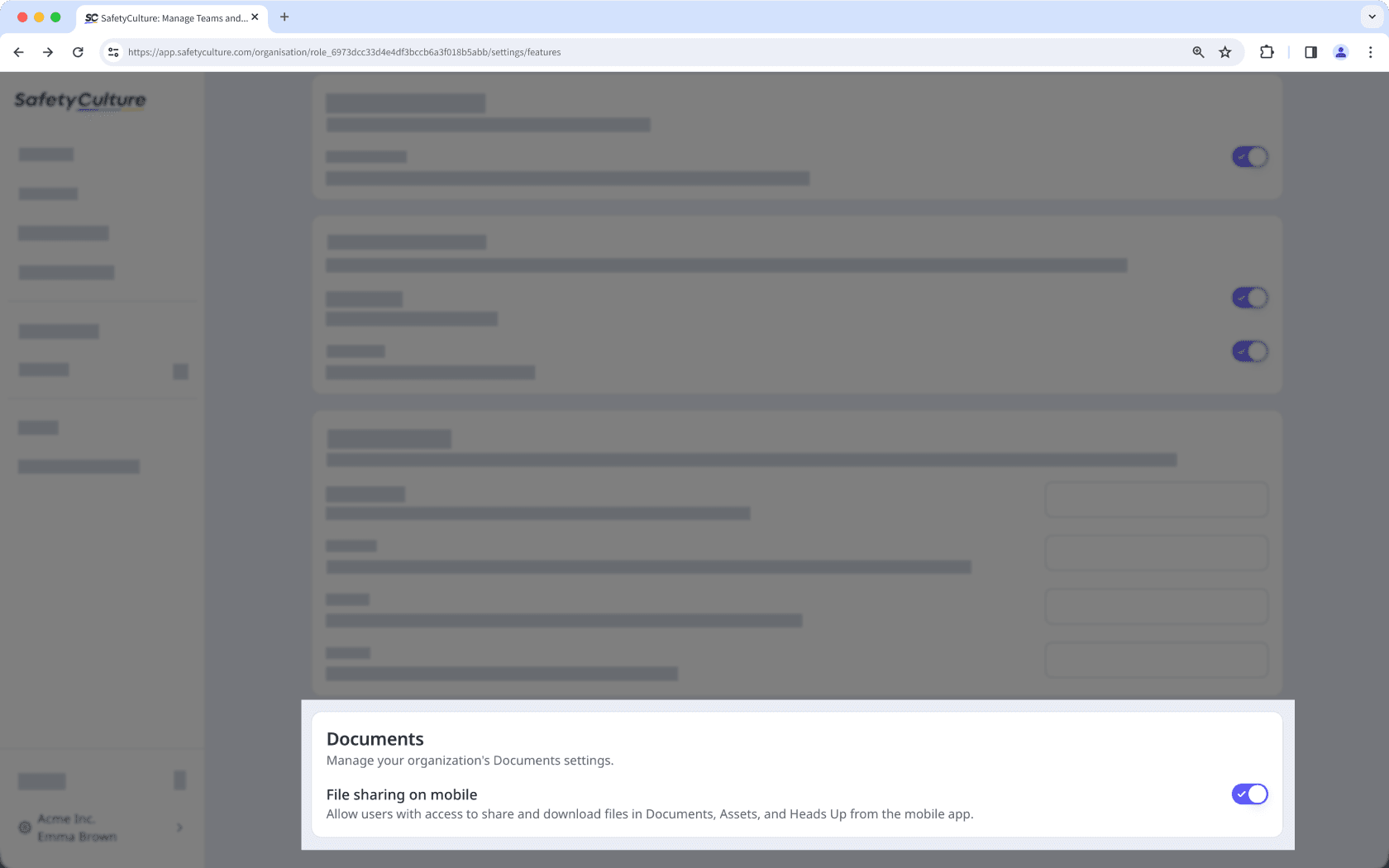
In the "Documents" section, turn "File sharing on mobile" on or off.
Need more help?
Was this page helpful?
Thank you for letting us know.
In this article